
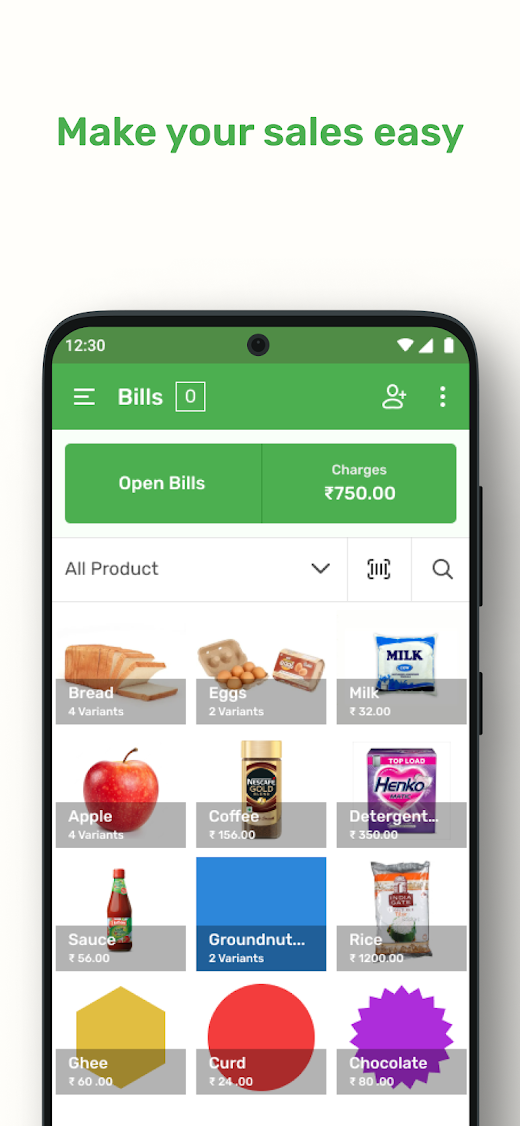
Onhand POS
Using this app maintain inventory of various product with variant wise.Support Multiple stores of a same owner, each store can have multiple POS.
POS can be locked/unlocked using secure PIN.We can add multiple tax variants (GST slots), that can be used to products while billing.Flat and Percentage based discounts can be added to products while billing.Tax type can be defined as Including in Price and Excluded in Price.This app provide ideal solutions for your restaurant, grocery retail store, flower boutique, tea shop, spa, salon, pharmacy, bakery etc.Why use POS?
➡ Easy to use
➡ 100% data secure
➡ Access app in your native language
➡ No more paper worksYou will get all best key features in one app
➡ Issue Bill Few Seconds
➡ Bills
➡ Manage Products
➡ Manage Category
➡ Manage Discount
➡ Printing bills using Bluetooth thermal printer
➡ Reports
➡ Multiple StoreBluetooth Printing
🔒100% Safe and Secure
👍All your transactions are 100% safe and secure with Onhand Pos.
📲Automatic data backupYour data and entries get backed up automatically.
So you can access all your transactions saved on this simple Onhand pos from different devices using the same login details.
🌐 Available in 6 languagesOnhand POS is available in English, Other language coming soonTo know more about us, please visit our website
🌐 https://pos.onhand.in/ or write to us at [email protected]
📗 Onhand POS has been made with
💚 lots of love
💚 in India 🇮🇳.
✏️
✍
📢 If you have any feedback or suggestion, you could write to us at [email protected] or call +91 8015124298.
We would love to hear from you!
🤝
🙏
🙌
About Onhand POS
- Package name (App ID)
- in.onhand.pos.sale
- Available on
- Google Play
- Price
- Free
- Developer
- Onhand Digital Solutions
Looking for the Onhand POS APK?
The safest way to get Onhand POS (in.onhand.pos.sale) on your Android device is to install it directly from Google Play — you'll always get the latest official version, automatic updates, and no risk of modified or infected APK files from third-party sites.

Social Features
Connect and share with friends and the community.
Productivity Tools
Boost your productivity with powerful tools and features.
Learning Tools
Enhance your learning experience with interactive features.
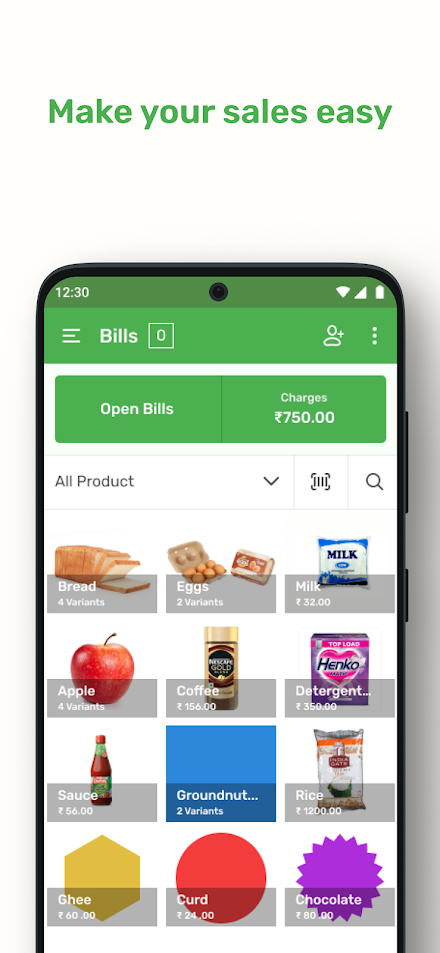
See Onhand POS in Action


Frequently Asked Questions
Is Onhand POS free?
Yes, Onhand POS is free to download and install on Android through Google Play.
How do I install Onhand POS on Android?
Open Google Play on your Android phone or tablet, search for Onhand POS by Onhand Digital Solutions or tap the Google Play button on this page, then tap Install. The app downloads and installs automatically.
What is in.onhand.pos.sale?
in.onhand.pos.sale is the App ID (package name) of Onhand POS on Google Play. Every Android app has a unique package name, and it is the safest way to verify you are installing the official app.
Is Onhand POS safe to download?
Installing Onhand POS from Google Play is the safest option: you get the official version published by Onhand Digital Solutions, verified by Google Play Protect, with automatic updates. Avoid APK files from unofficial third-party sites.

Get Onhand POS Today
Onhand POS for Android — free download on Google Play.
Compatible with Android phones and tablets — available on Google Play.
Ask AI about this app
Get instant answers about features, tips and more from popular AI assistants.